01
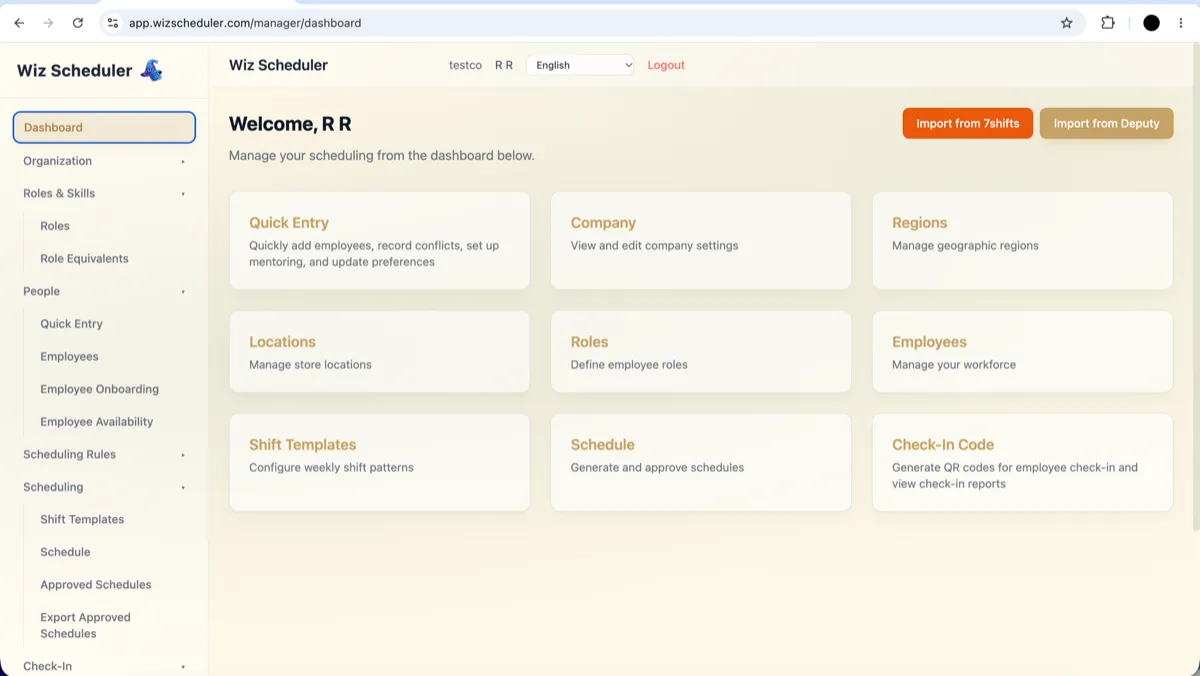
Dashboard
Your starting place. Quick look at usage: billing period, schedules wey you don generate, AI credits wey you don use, and storage. Sharp entry to the screens wey you dey use pass.
Take guided tour of how Wiz Scheduler dey work for manager: from setting up your company and locations, to defining roles and shift templates, sef to generating weekly schedule and exporting am.
01
Your starting place. Quick look at usage: billing period, schedules wey you don generate, AI credits wey you don use, and storage. Sharp entry to the screens wey you dey use pass.
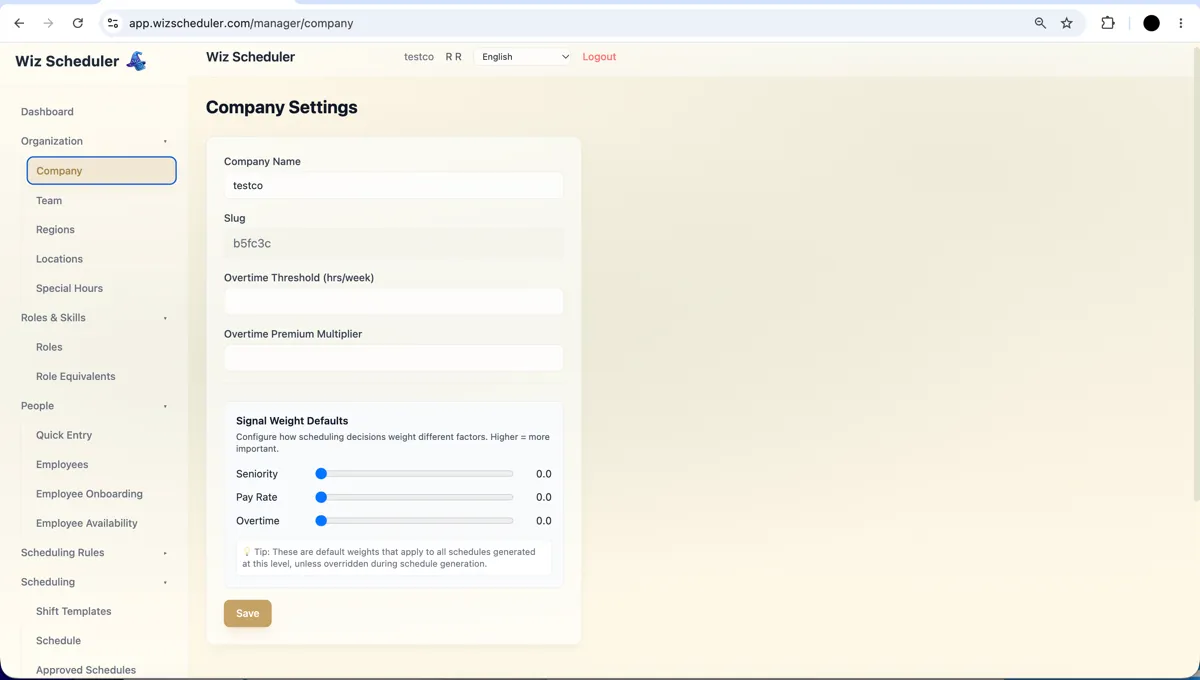
02
Set up your ownership group: company name, logo, branding, and top-level settings wey go work for every region and location.
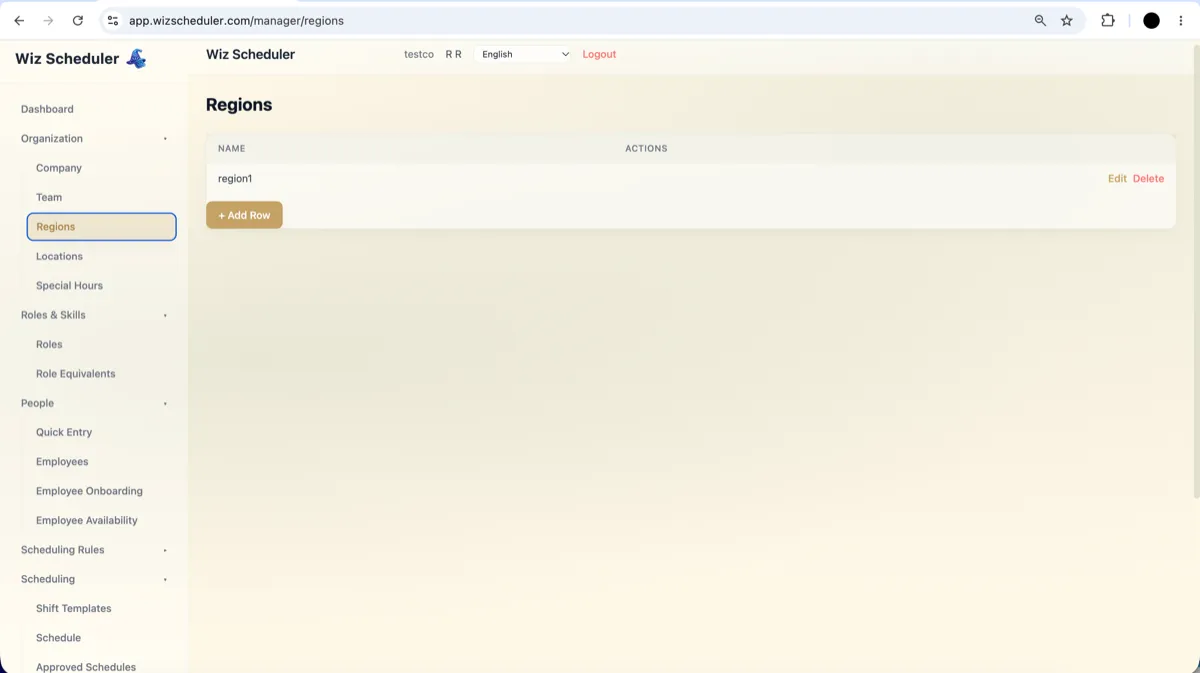
03
Group locations by region for reporting and management. E good for operators wey dey run multi-state, multi-country, or franchise wey want layer on top individual location.
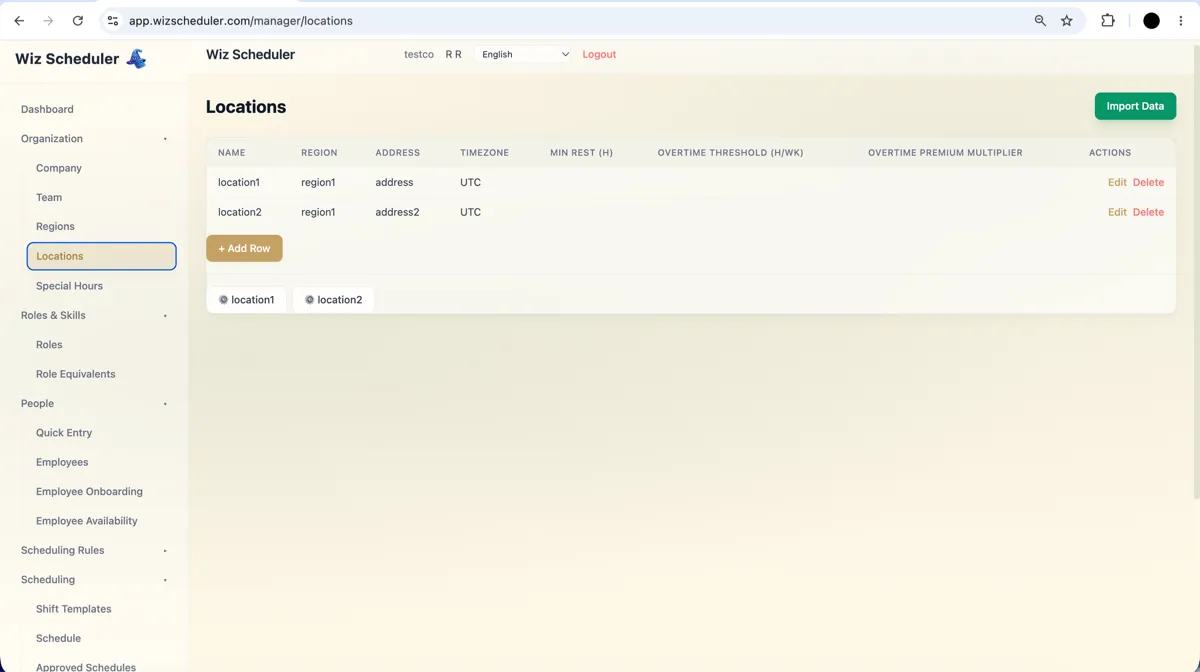
04
Manage every physical site wey you dey schedule for. Each location get im own timezone, address, region, and list of eligible employees — and the scheduling algorithm go schedule am separately.
05
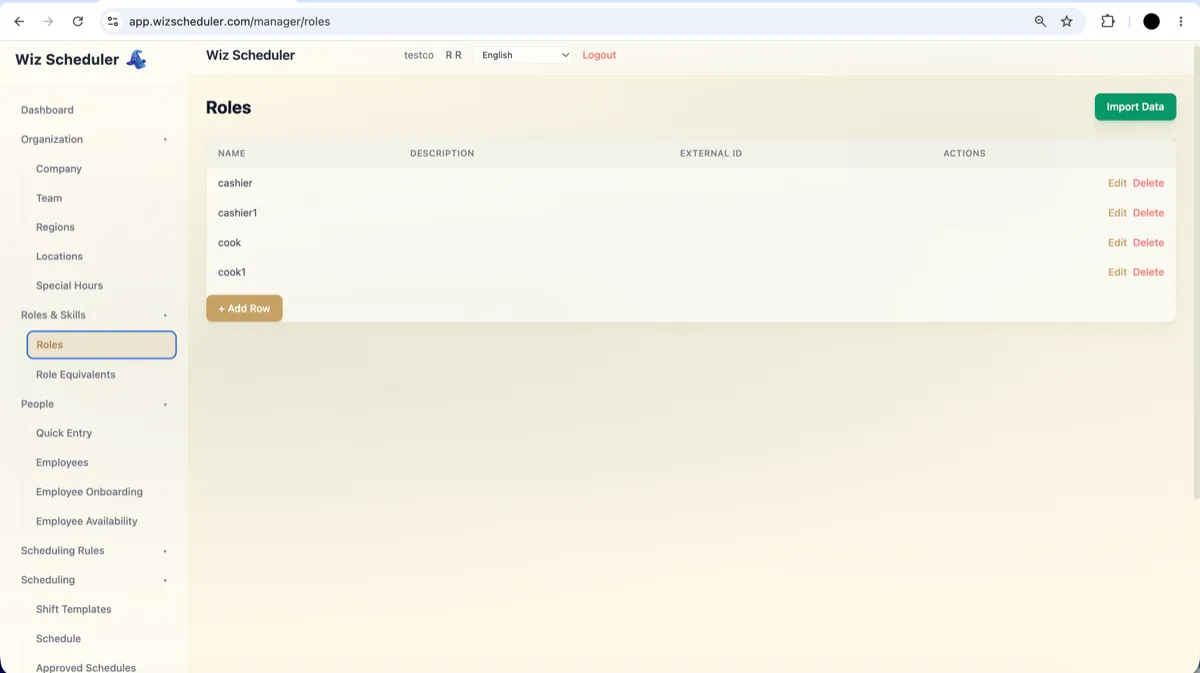
Set the job titles wey employees fit do. Roles dey fully customisable per company — no hardcoded names, so Wiz Scheduler go fit any industry vocabulary.
06
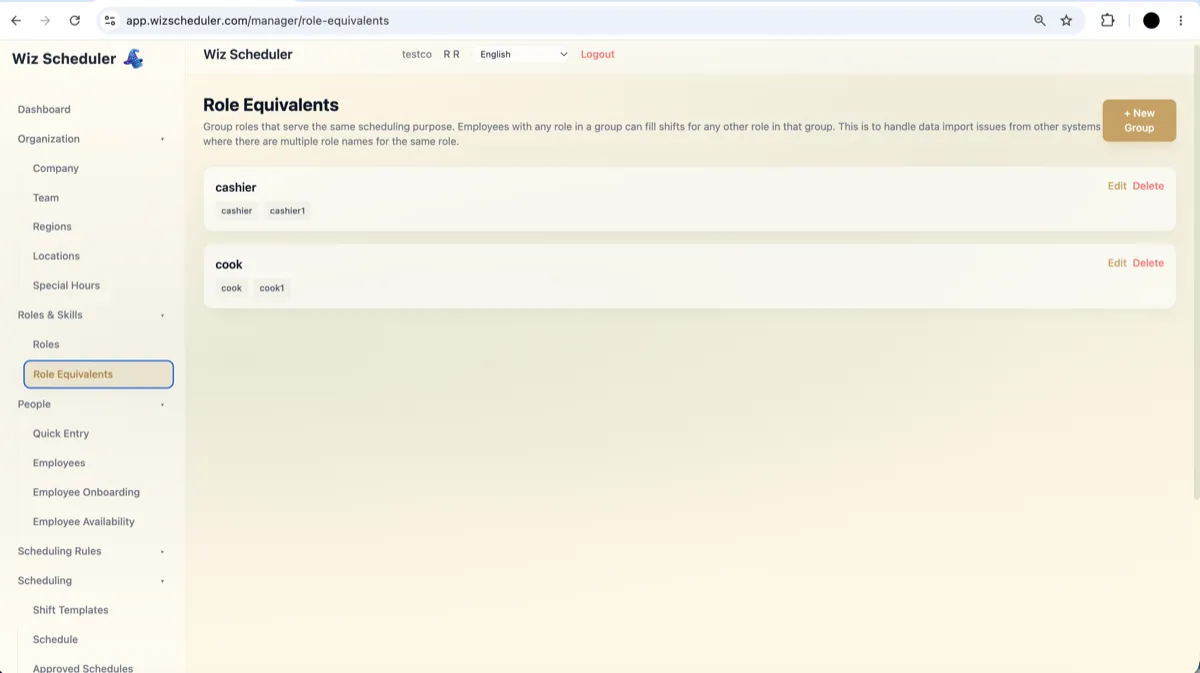
Match roles wey fit cover for each other. E go make the scheduling algorithm treat "Barista" and "Baker" as if dem fit swap when filling shift, while still respecting skill-level difference.
07
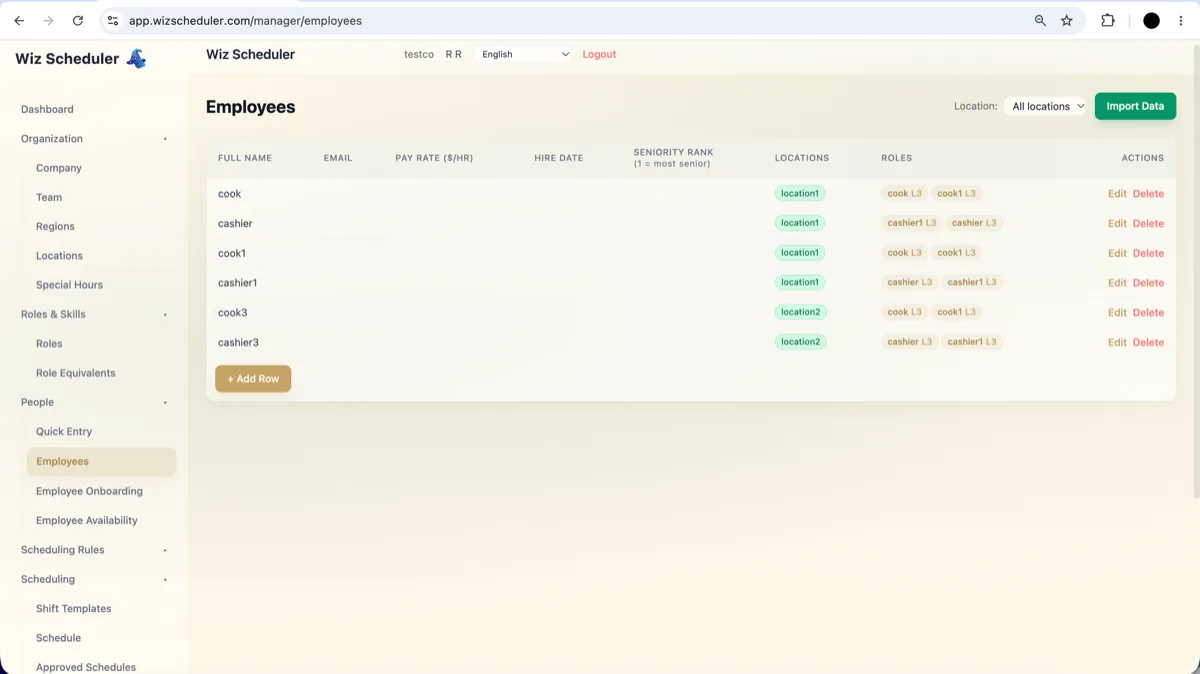
The main roster. For every person, set the roles wey dem fit do, skill level, locations wey dem fit work, hour limits, and availability. Inline editing dey sharp for bulk updates. Archive people wey comot instead of to delete dem: dia history go remain, and you fit restore dem.
08
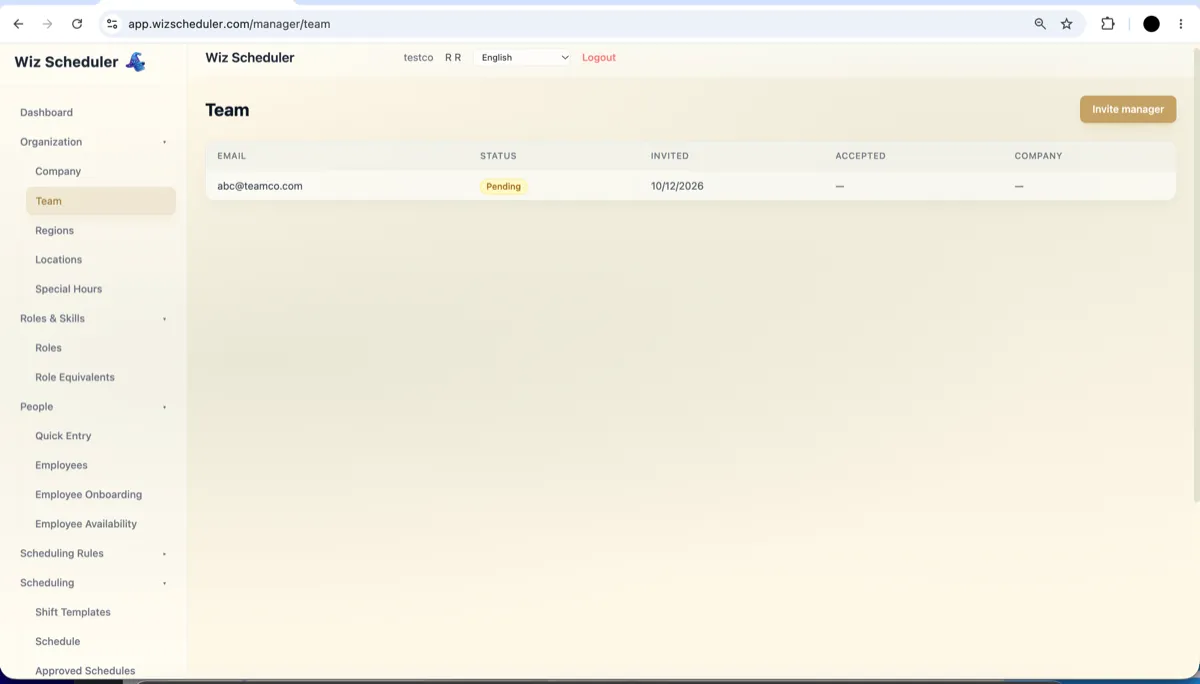
Invite other managers make dem help run the account: admins wey dey manage everything, or location managers wey only fit handle the locations wey you choose. Track invites wey still dey pending and see who don already accept, everything for one place.
09
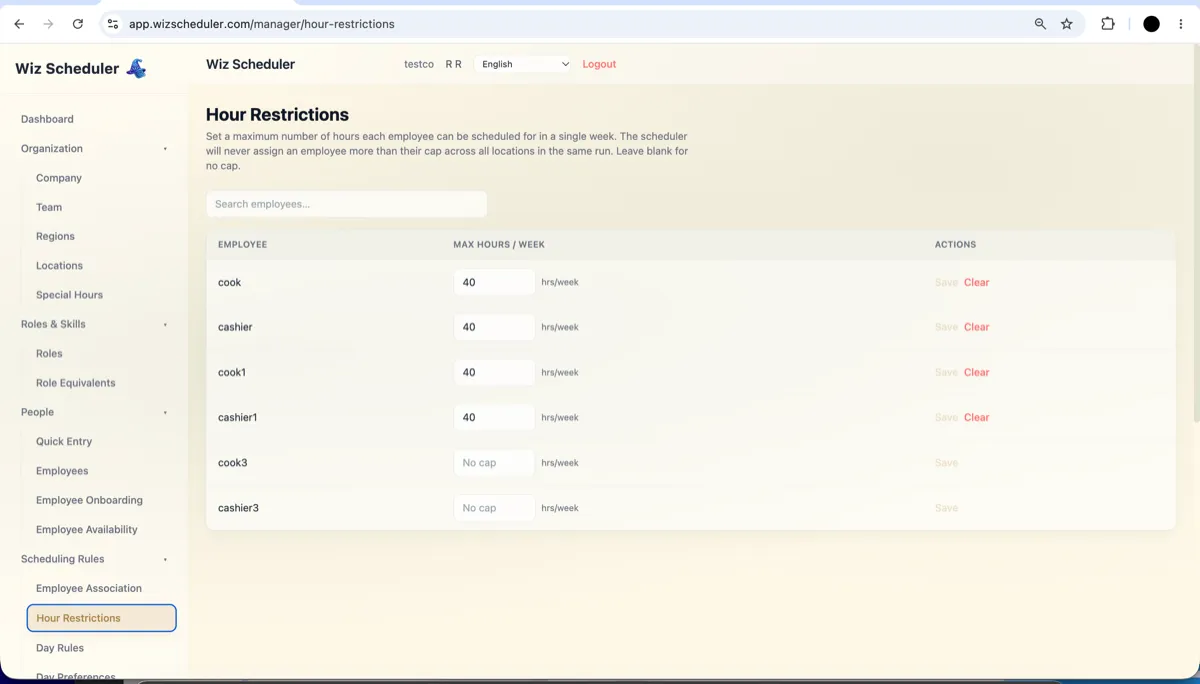
Set per-employee weekly maximum and minimum hours. E good for student visa, part-time arrangement, and overtime budget. The scheduling algorithm no go ever schedule pass these limits.
10
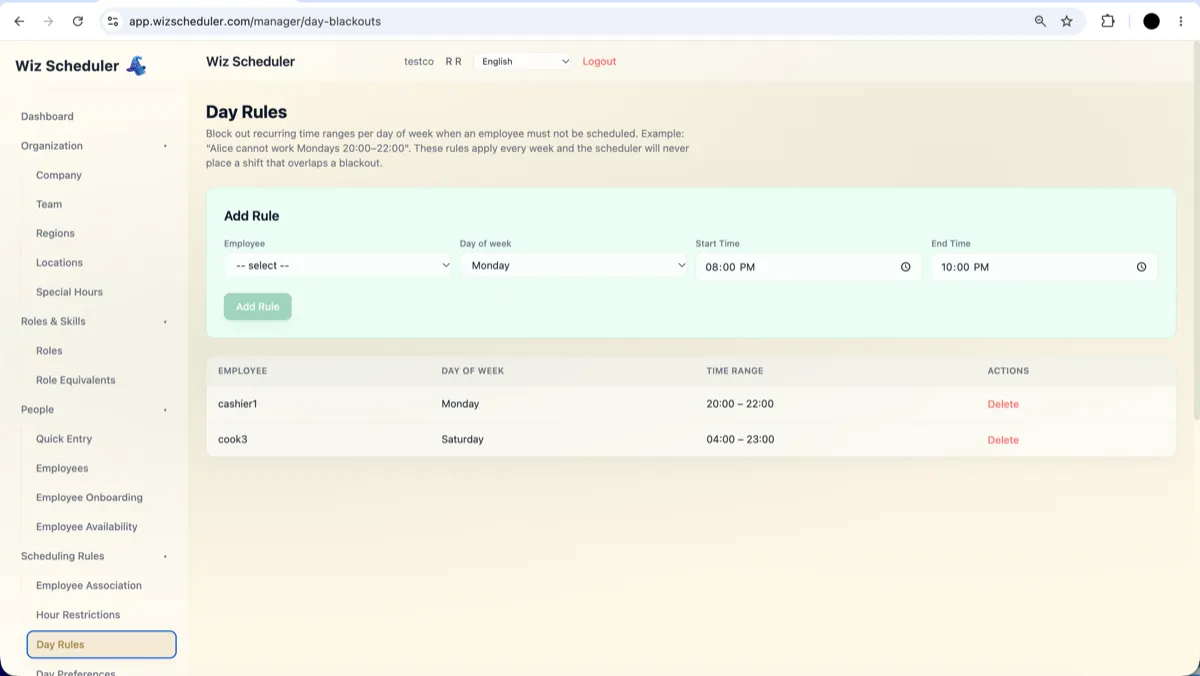
Block full days when location close or worker no dey available. Holidays, off days, training days — scheduler go respect dem automatically.
11
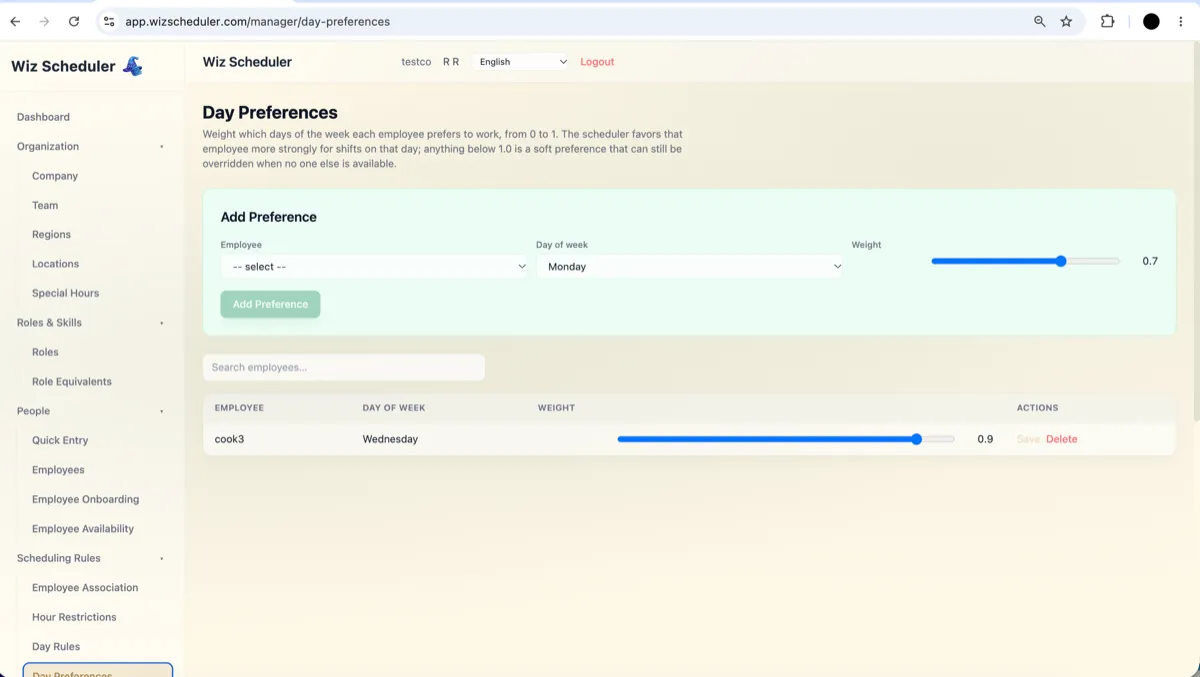
Weight which days for the week each worker like to work, from 0 to 1. Scheduler go favor that worker pass for shift wey dey that day — na soft preference wey go step aside if nobody else dey available. Switch on preference requests and workers fit propose dia own, make manager approve am.
12
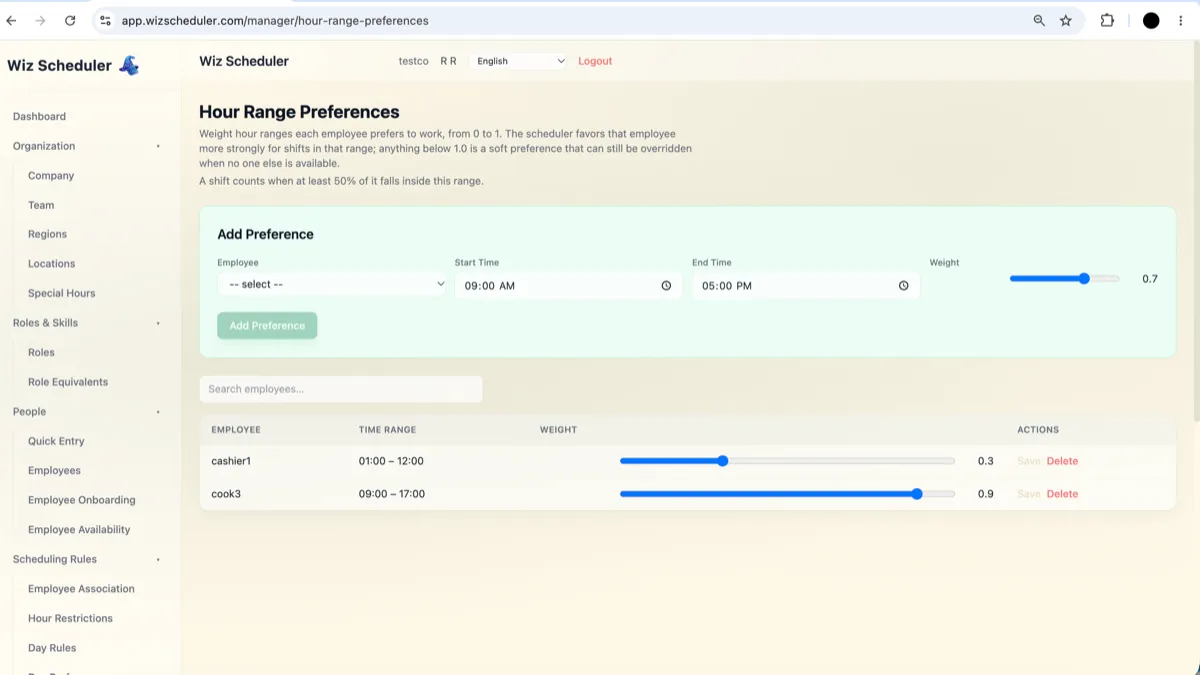
Weight which hours for the day each worker like to work, from 0 to 1. One shift dey count for the preference once at least half of am fall inside the time range wey you choose.
13
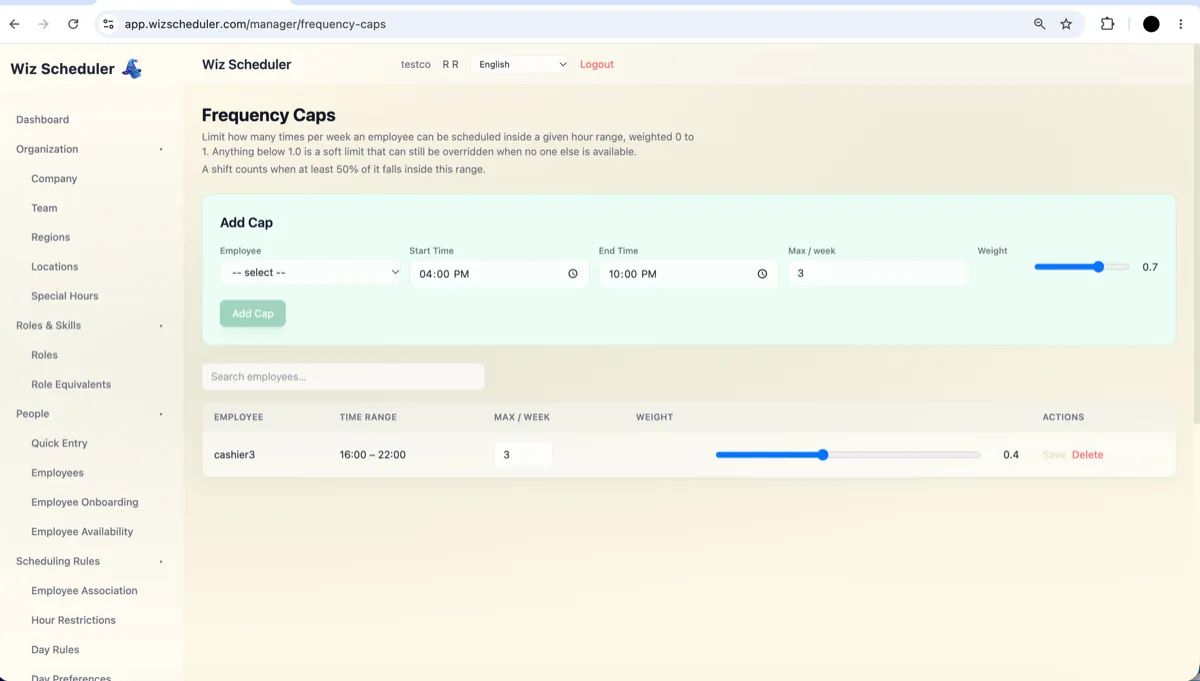
Limit how many times for week person fit schedule worker inside one particular hour range, weight from 0 to 1. E good to cap evening or weekend shifts without to remove dem completely.
14
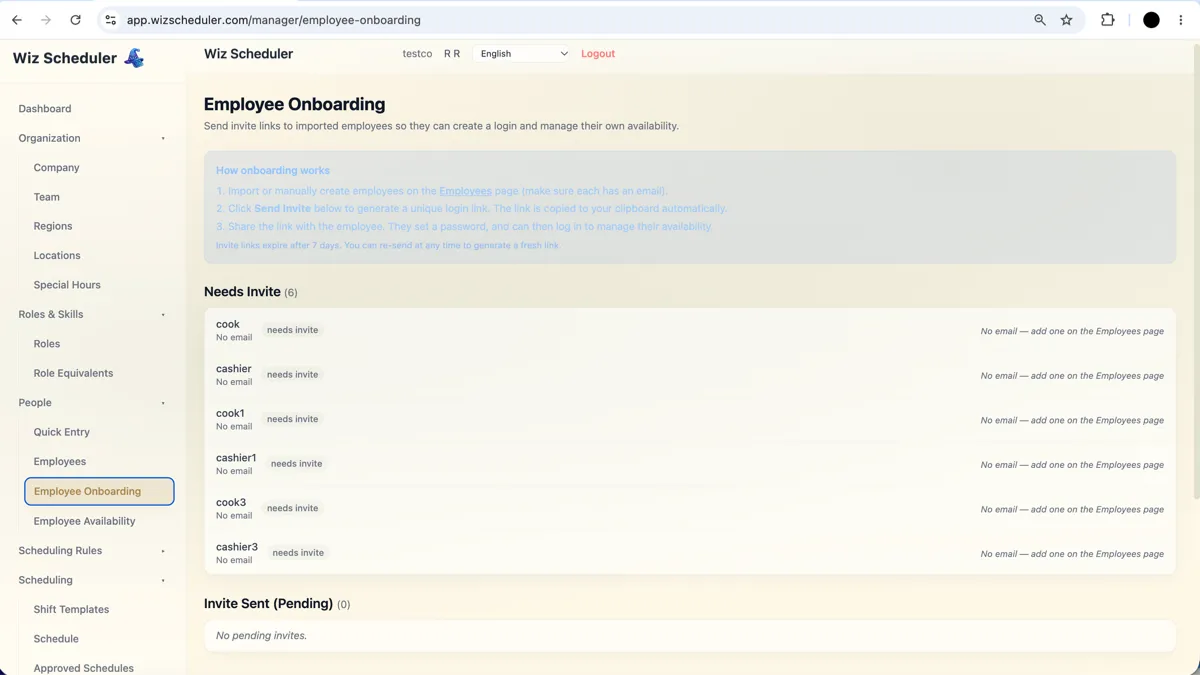
Invite new hire by email. Dem go fill their availability and personal details by themselves — you no need dey chase data entry, just face the business.
15
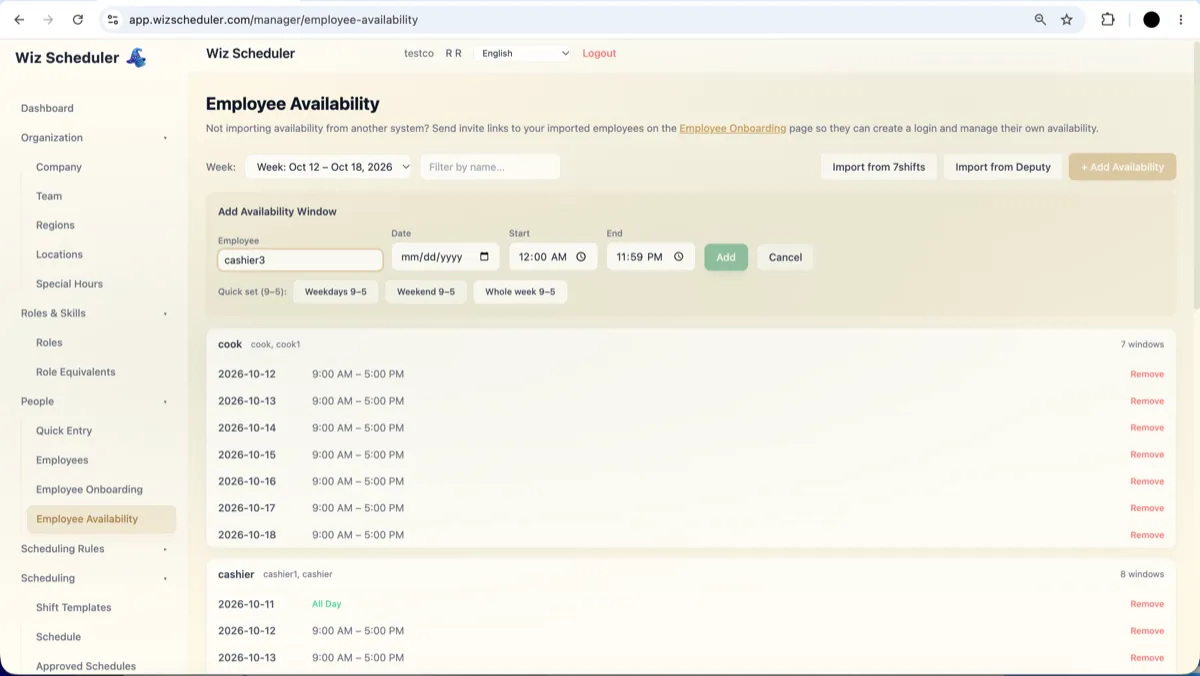
See every worker own availability wey dem report by themselves, all for one place, and import or adjust am direct — no more chasing spreadsheet before you generate schedule.
16
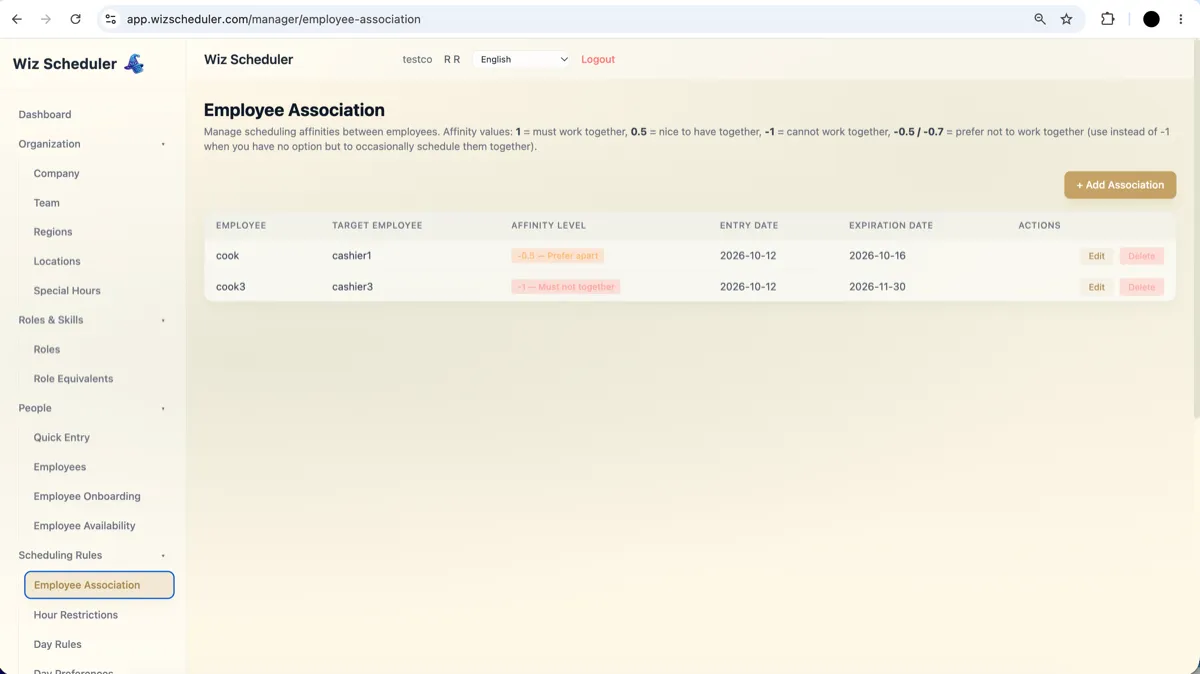
Mark which employees dey work well together (or wey dem no suppose pair). The scheduling algorithm go use these preferences as soft hint when e dey assign shifts.
17
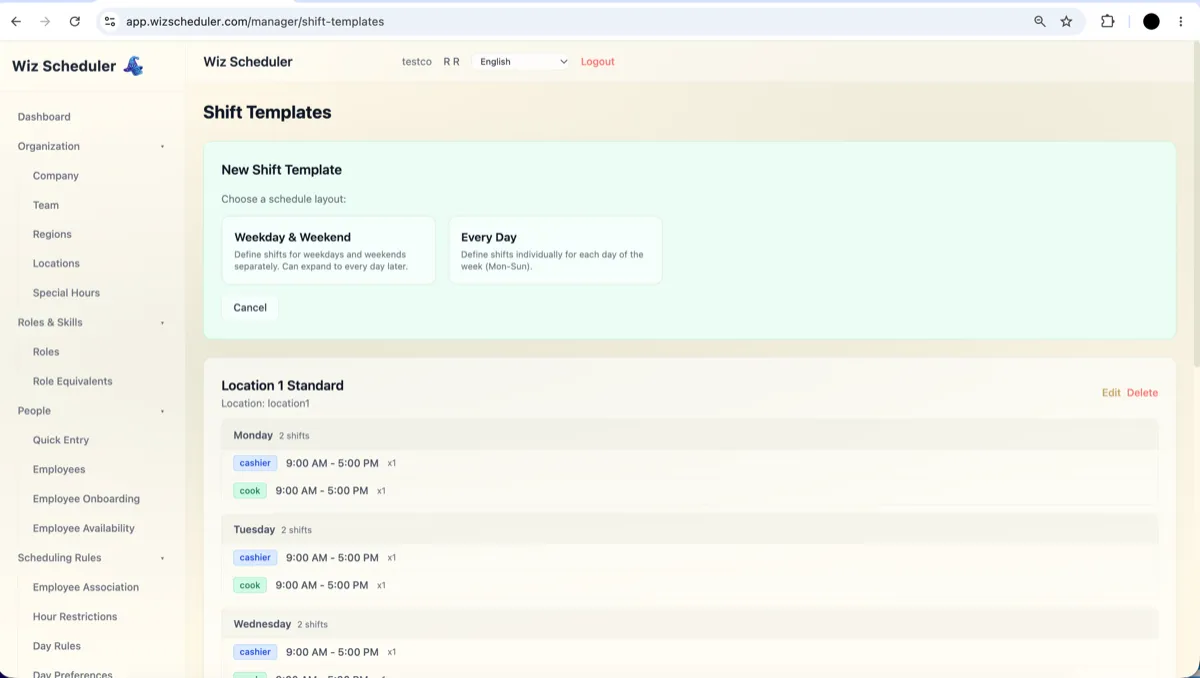
Define each location weekly shift pattern wey dey repeat: which roles dey needed, how many of each, on which days, and at what time. Na the blueprint wey the scheduling algorithm go fill.
18
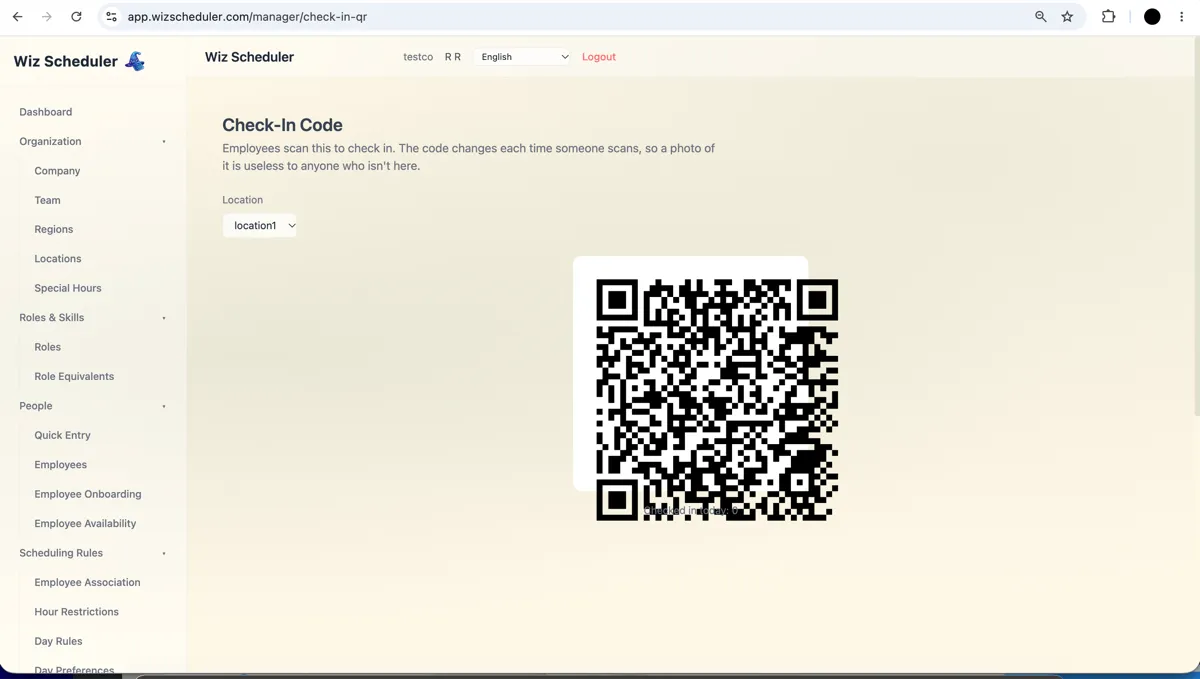
Na rotating QR code wey workers go scan to check in for their shift. Since e dey change every time person scan am, if person snap am, e no go work for anybody wey no dey the location.
19
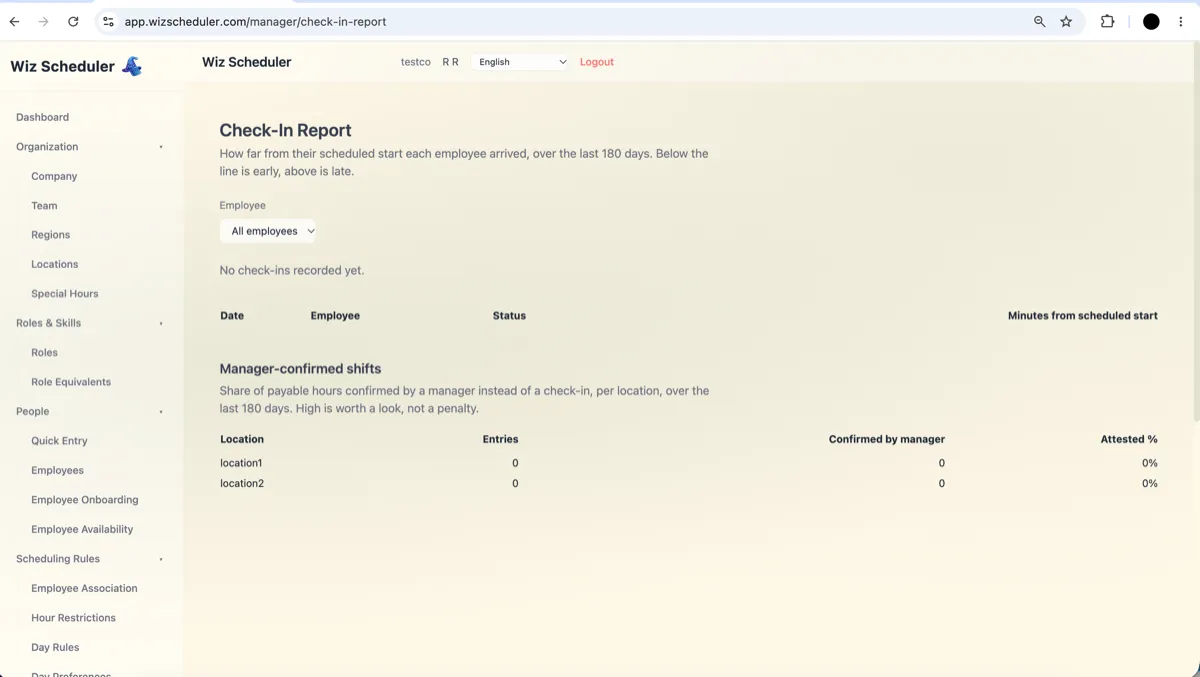
See how far each worker land from their scheduled start time, plotted over time, plus the share of hours wey manager have to confirm by hand instead of scan.
20
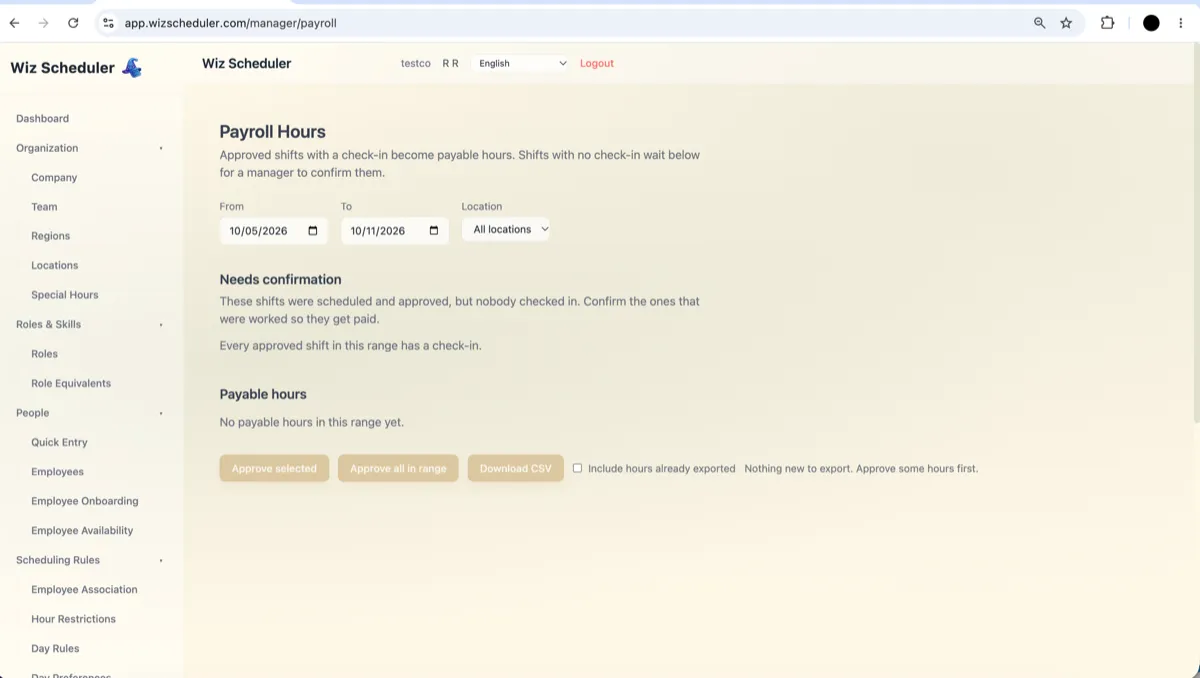
Turn approved shifts wey get check-in into payable hours automatically. Confirm the rare shift wey nobody scan for, approve one pay period, and export straight to CSV. We dey keep pay records for seven years, and you fit export the full history anytime.
21
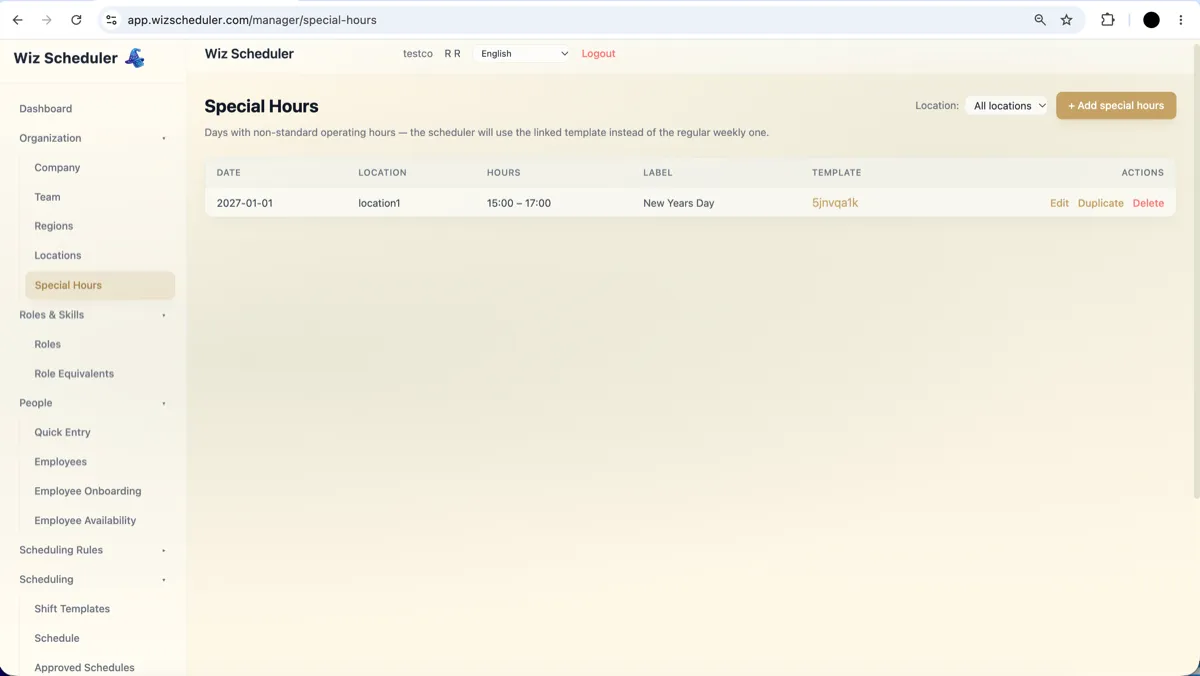
Set one-off operating hours for holidays and other special days. Scheduler go swap in one cloned shift template for that day instead of the normal weekly one.
22
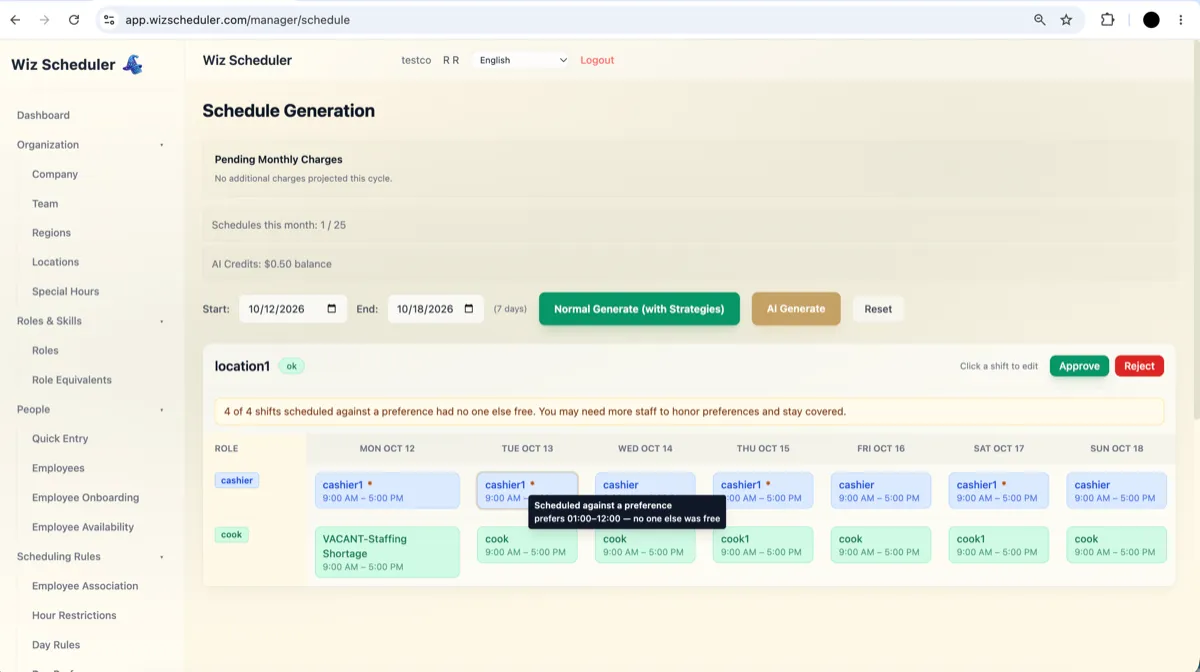
Generate optimised weekly schedule with one click. Use Normal Generate with algorithmic strategy (Rotation, Max Hours, Random), wey dey inside your plan, or use AI Generate as optional alternative. Review results per location, edit inline, and publish. Plenty managers fit schedule at the same time: na only the locations wey dem dey work on, plus any one wey share staff with dem, go lock.
23
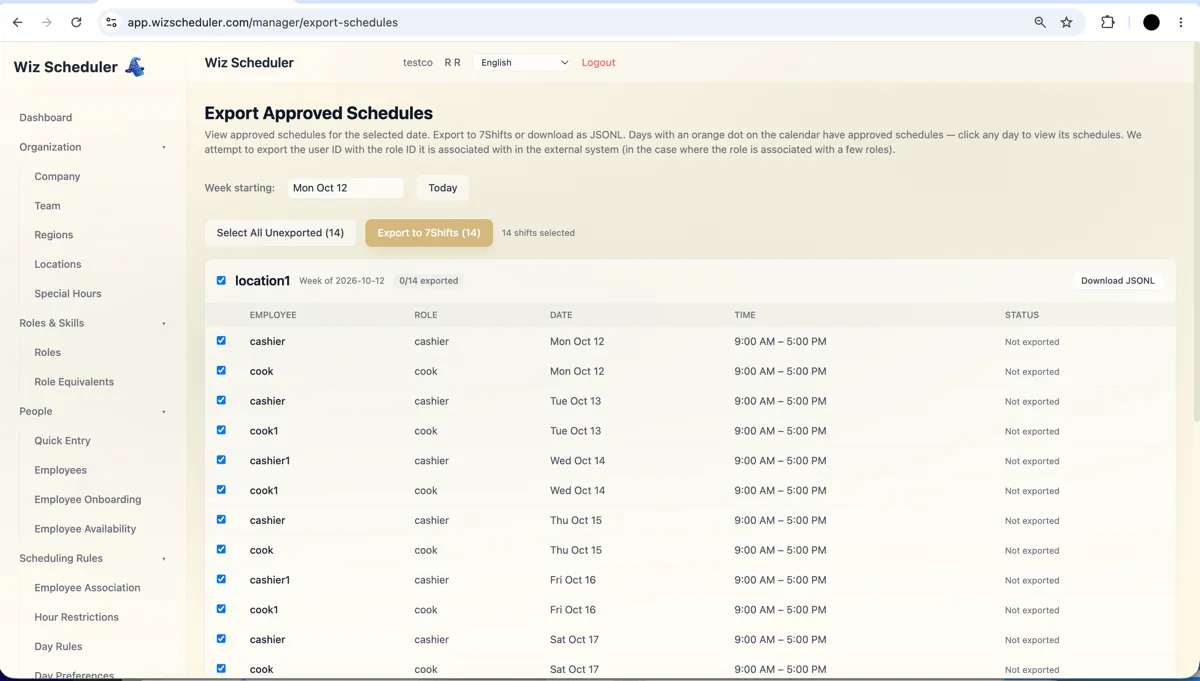
Download published schedules as CSV or PDF, or push am direct to 7shifts and Deputy. Your existing payroll and POS workflow no go change.
24
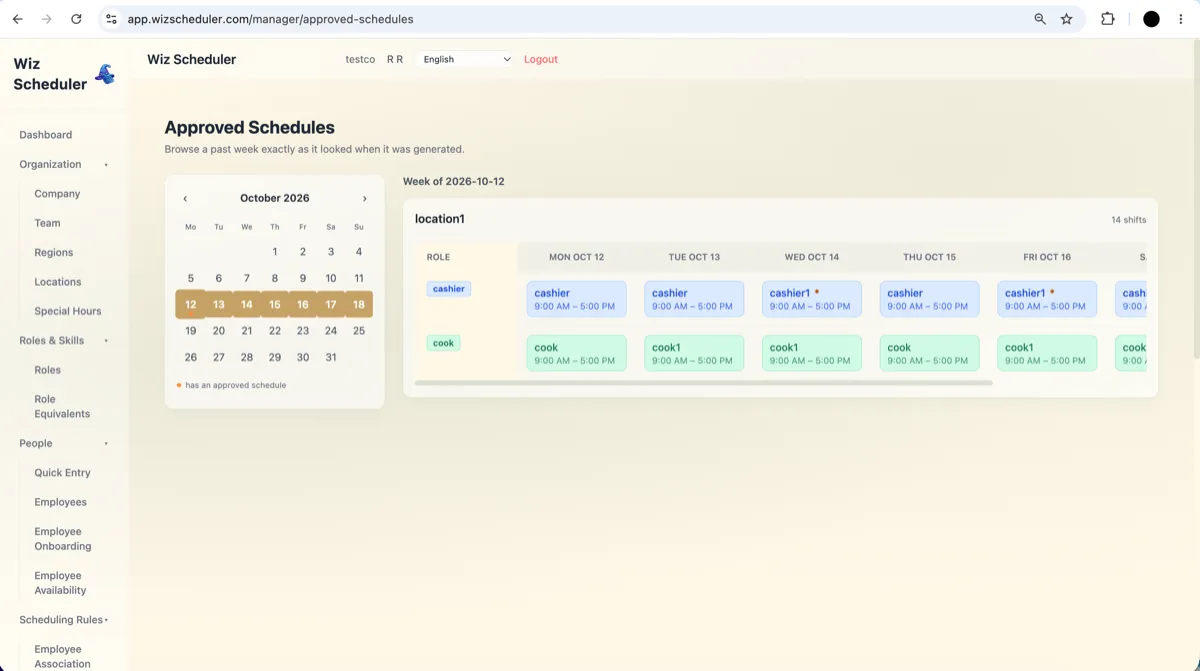
Browse the approved schedule for any past week — na the record wey the rest of the app, payroll included, dey built on. Slots wey nobody fill go show as open shifts with ranked list of who fit take dem, and when you edit, e go warn you about availability and double booking.
25
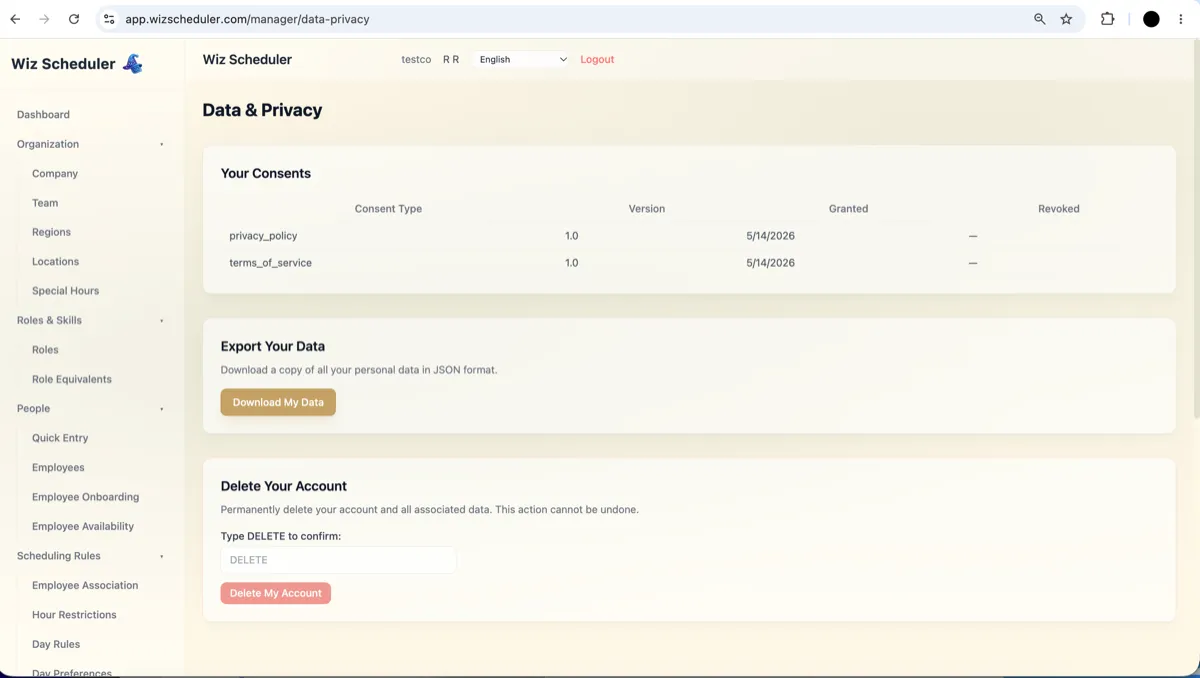
GDPR-friendly tools for data export, erasure, and consent. Manager-side view of every data subject request and im status.
Start with the free tier — no credit card need.